
Quick Summary
- Free 3D printer models are printable STL and 3MF files shared by the maker community at no cost, available on platforms like DIY3D, Printables, MakerWorld, and Thingiverse.
- DIY3D offers over 27,000 community-uploaded models across 9 categories, all completely free with no account required to browse.
- 3MF files are superior to STL for printing because they embed print settings like layer height, infill, and support type directly in the file, reducing slicer setup time.
- The most downloaded model categories are Household, Tools, Toys & Games, and Gadgets, covering practical prints from cable organizers to phone stands.
- Platforms tied to printer brands (MakerWorld for Bambu, Printables for Prusa) often favor their own hardware in rankings; brand-independent libraries give you broader access to tested designs.
Free 3D printer models are community-shared design files in STL or 3MF format that you can download and print at no cost, covering everything from replacement parts to miniatures to desk organizers. The quality and variety of what is actually print-ready varies enormously by platform. Some sites bury practical models under thousands of broken downloads; others give you embedded print profiles that slot directly into your slicer. Knowing where to look cuts hours off every project.
Contents
- What Are Free 3D Printer Models and Which Formats Matter
- Best Platforms for Free 3D Printer Models in 2026
- Categories Worth Downloading: Household, Tools, and Gadgets
- Free 3D Models to Download on DIY3D
- Where DIY3D Fits in the Free Model Ecosystem
- How to Get a Free Model from Download to First Layer
- Common Questions About Free 3D Printer Models
- Start Printing: Your Next Model Is Already Out There
What Are Free 3D Printer Models and Which Formats Matter
A 3D printer model is a digital file that tells your printer exactly where to deposit material, layer by layer. Most downloads come in two formats: STL and 3MF. STL is the older universal standard. It encodes only surface geometry, so you have to configure every print setting manually in your slicer. 3MF is the modern replacement. It stores geometry, color, print profile, and slicer parameters in a single file, which means you open it in Bambu Studio or OrcaSlicer and your layer height, infill density, and support settings are already filled in.
For beginners, 3MF files are genuinely faster to use. For experienced makers, they are useful as a starting reference even if you override the settings. When you are browsing for models, look specifically for platforms that host 3MF files with embedded print configs, not just STL with a screenshot of settings pasted in the description.
Format quick reference: STL = geometry only, manual slicer setup required. 3MF = geometry + print settings + materials embedded. Both print on any FDM printer. 3MF is standard on Bambu Lab machines via Bambu Studio and is natively supported by OrcaSlicer, PrusaSlicer, and Cura.
The maker community has grown alongside the hardware. According to Grand View Research’s 2025 3D printing industry analysis, the global 3D printing market reached approximately $30.55 billion in 2025 and is forecast to grow at a 23.9% CAGR through 2033, driven largely by desktop FDM adoption among hobbyists and home users. That expansion has created an explosion of free model repositories, each with different strengths and trade-offs.
📊 Market data: Grand View Research estimates the global 3D printing market at $30.55 billion in 2025, with a projected 23.9% compound annual growth rate through 2033. Desktop FDM printers are the segment that uses free downloadable models most and account for the fastest-growing consumer slice of that market.
Best Platforms for Free 3D Printer Models in 2026
Not all free model libraries are equal. The difference between a good platform and a frustrating one comes down to three things: file quality, print profile availability, and whether the models are actually maintained. Here is how the main options compare.
DIY3D
DIY3D is an independent, printer-agnostic community library with over 27,000 models across categories including Household, Tools, Toys & Games, Gadgets, Miniatures, and AIGC (AI-generated models). Every download is free with no paywall and no account required to browse. Models are available in both 3MF and STL, and the AIGC category gives you access to AI-generated designs not found anywhere else. The platform is not tied to any printer manufacturer, so rankings are not weighted toward Bambu or Prusa users.
Printables
Printables has over 1.5 million models and a clean interface. The downside: it is run by Prusa, and the platform’s recommendation engine visibly favors Prusa MK4 and MINI print profiles. If you run a Bambu Lab A1, Creality K2 Plus, or any non-Prusa machine, you will often find that the embedded settings need adjustment before printing. The community is active, but the Prusa-ecosystem bias is real.
MakerWorld
MakerWorld is Bambu Lab’s official model hub. It is excellent if you print on a Bambu X1C, P1S, or A1, with profiles optimized for AMS multi-material and Bambu’s textured PEI plates. If you print on anything else, the profiles require manual work. The platform also has a perception issue: community members frequently report that search rankings favor Bambu-compatible designs over printer-agnostic ones.
Thingiverse
Thingiverse is where most makers started. With over 2 million design IDs in the database, it remains a useful archive. But the platform has aged poorly: the UI is clunky, search is unreliable, download links break regularly, and almost no models include embedded print profiles. You will find gems here, but expect to spend time verifying print settings yourself. It is a museum, not an active library.
Cults3D and MyMiniFactory
Both platforms mix free and paid models. The free tier is limited, and navigation around paywalls adds friction. If you are specifically looking for free models, you will hit dead ends more often than you want. They are worth bookmarking for premium purchases, but not for day-to-day free browsing.
| Platform | Free? | 3MF support | Printer-agnostic? | Best for |
|---|---|---|---|---|
| DIY3D | 100% free | Yes (with settings) | Yes | All printers, AIGC models, open community |
| Printables | Mostly free | Yes | Partial (Prusa-biased) | Prusa printer users |
| MakerWorld | Mostly free | Yes | Partial (Bambu-biased) | Bambu Lab printer users |
| Thingiverse | Free | No | Yes | Legacy archive, large volume |
| Cults3D | Partial (paid tier) | Yes | Yes | Premium paid models |
Find Your Next Print on DIY3D
27,000+ free models. No account needed. No paywalls. Every printer welcome.
100% free downloads • 3MF + STL formats • All printer brands
Categories Worth Downloading: Household, Tools, and Gadgets
The most-downloaded free 3D printer models are not decorative. They are practical. Here is where makers actually spend their time.
Household prints
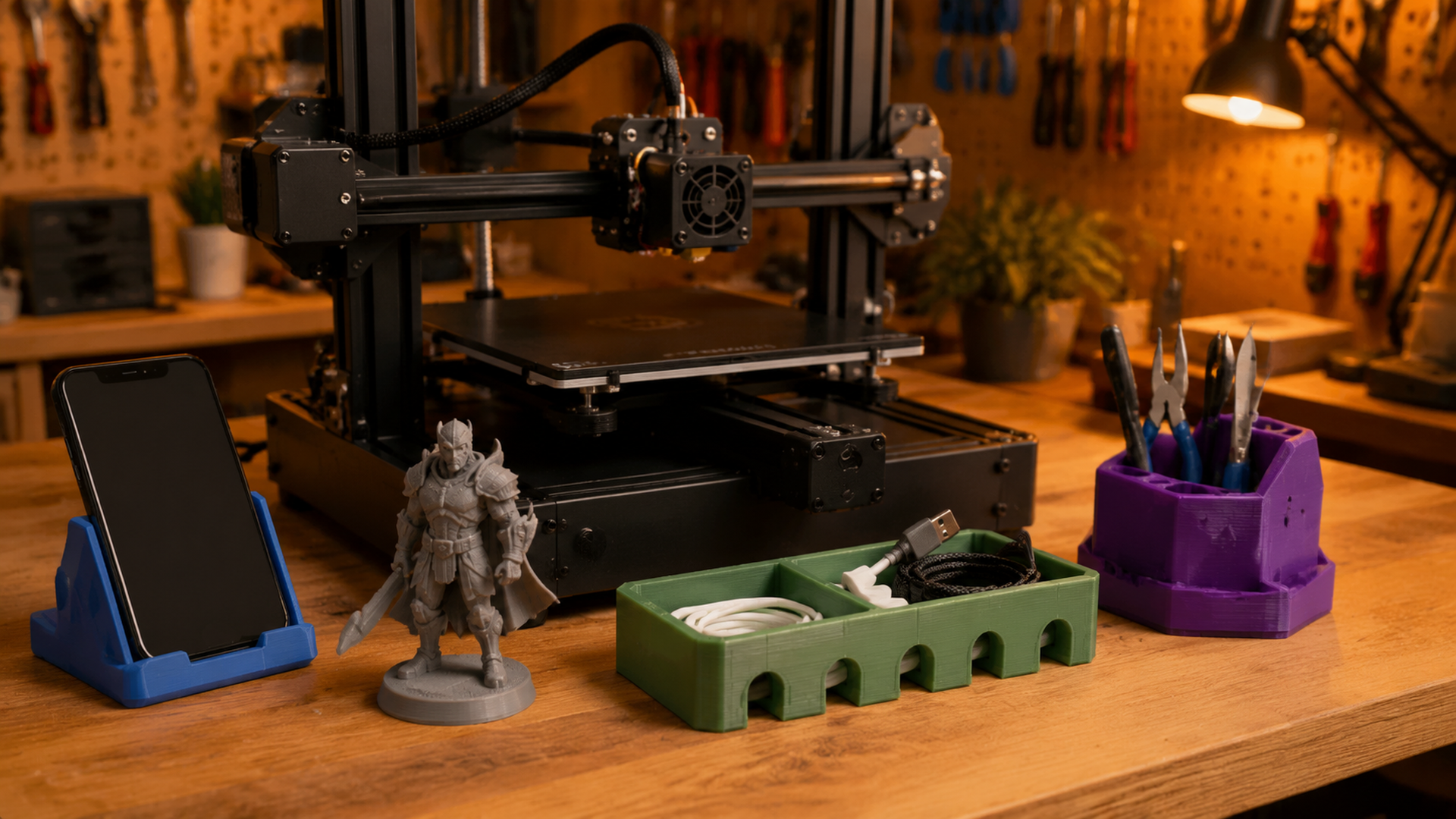
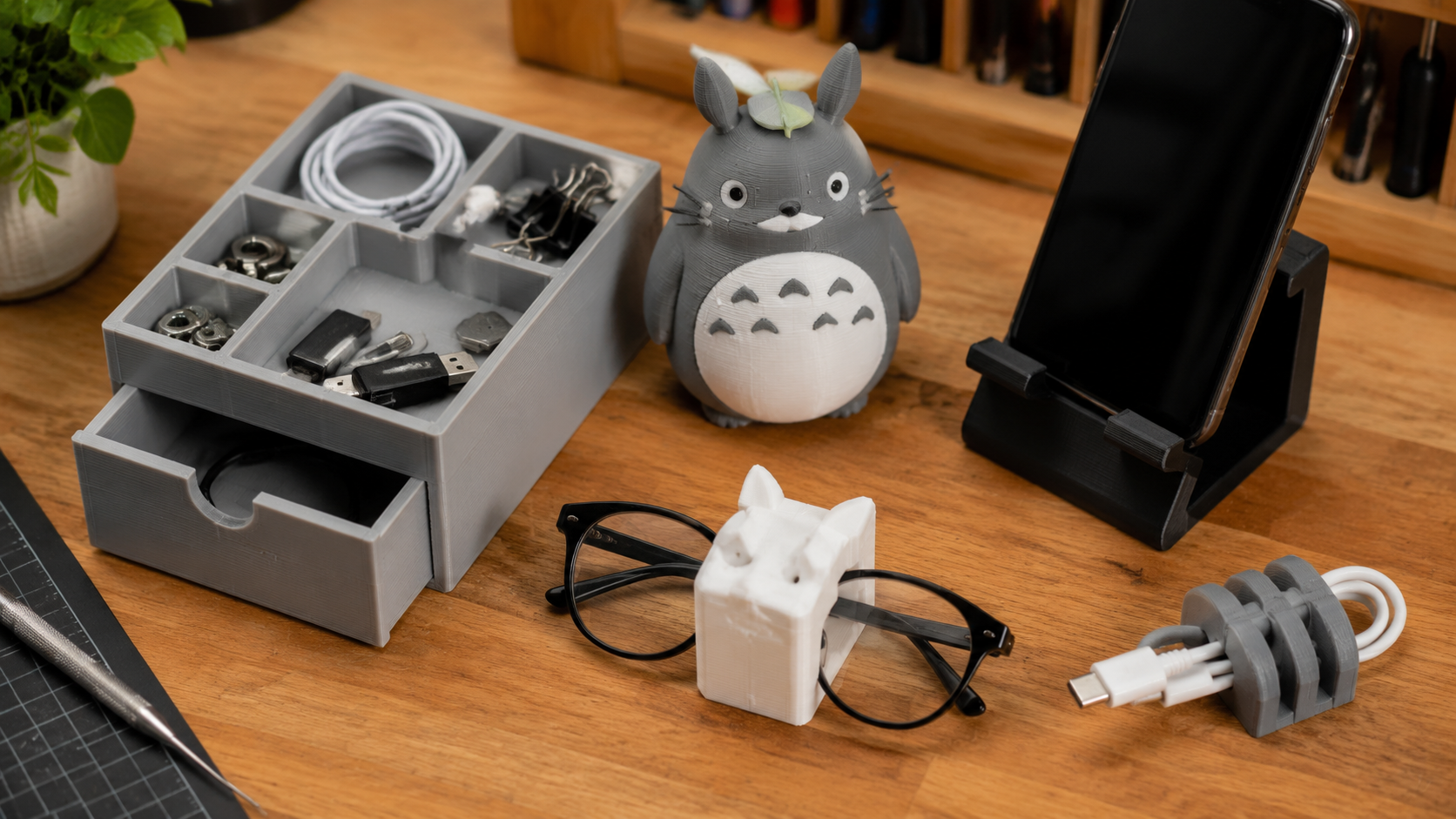
Cable organizers, drawer dividers, phone stands, hook systems, and wall-mount brackets are consistently the top-downloaded designs on every major platform. A 0.2mm layer height in PLA prints these fast and with enough strength for daily use. Most need no supports and print flat on the bed with just a brim.
Tools and workshop accessories
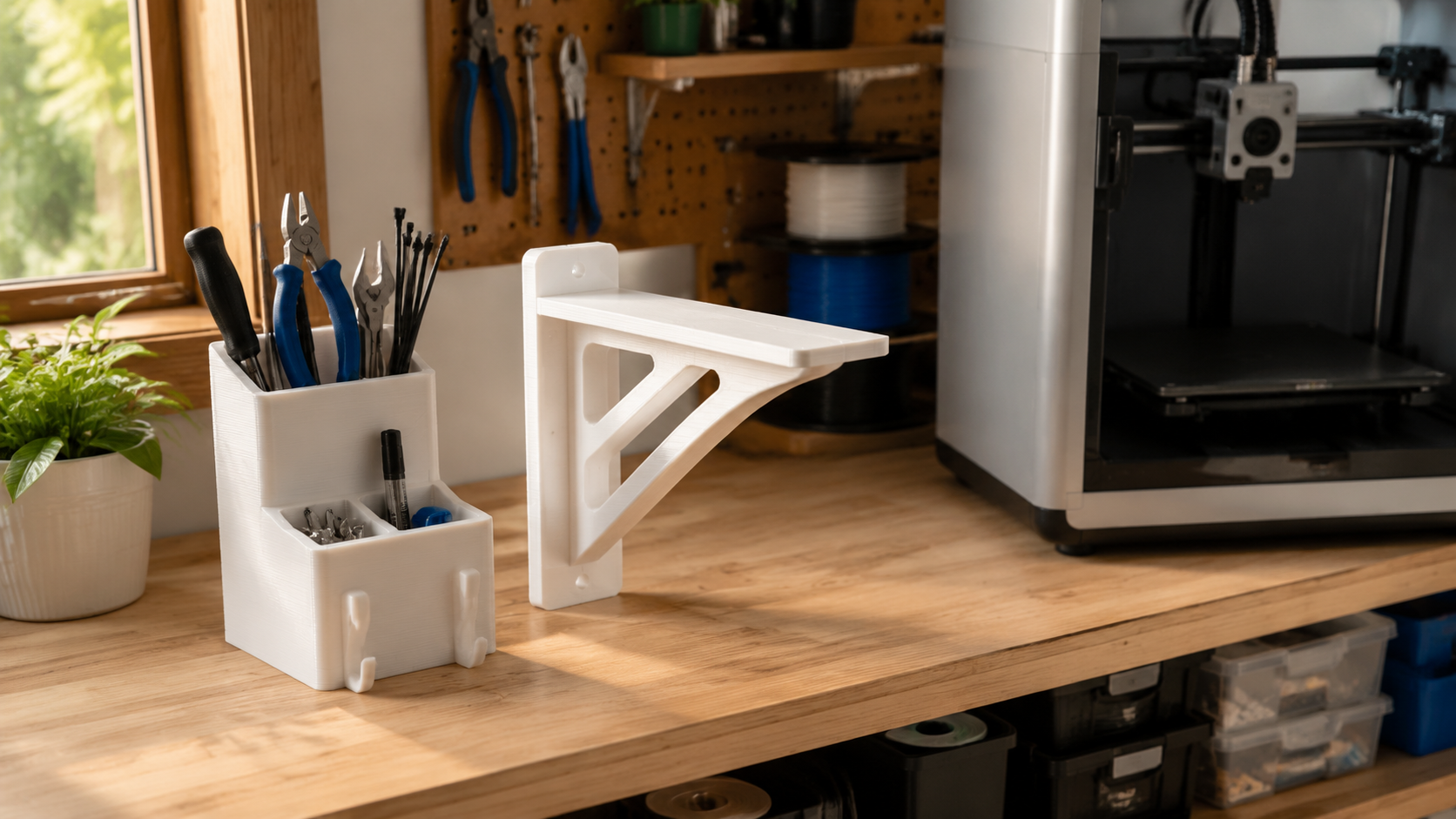
Gridfinity bins are the dominant tool-storage trend: a modular bin system by Zack Freedman that lets you customize any drawer or shelf with interlocking grid units. Beyond Gridfinity, makers regularly print hex driver holders, filament clips, cable clips, precision tweezers, and custom jigs for their specific workflows. These print best in PETG for durability or PLA for speed.
Toys, games, and miniatures
Articulated dragons, print-in-place fidget toys, Pokemon figures, and board game accessories are perennial favorites. Resin printers (MSLA/DLP) produce finer detail for miniatures than FDM can achieve, but FDM handles large articulated pieces and snap-fit toys well at 0.1-0.15mm layer height with tree supports.
Gadgets and tech accessories
Phone stands, MagSafe charger docks, Nintendo Switch grips, cable management clips, and camera mounts are among the most-searched gadget models. These print well in PLA at 0.2mm with 3-4 walls for rigidity. For anything exposed to heat (car mounts, outdoor use), switch to PETG or ASA.
3D printer upgrades and mods
Bowden tube clips, direct drive extruder mounts, cable chain guides, and spool holders are some of the most functional prints you can make. The Bambu Lab A1 and Prusa MK4 communities both have active mod ecosystems on every major platform. These typically print in PETG for heat resistance near the hotend, with 4+ walls and 30-40% gyroid infill.
Free 3D Models to Download on DIY3D
Here are some of the most popular models available right now on DIY3D across categories:
- Apple Watch U-Shaped Stand: a MagSafe-compatible desk stand with integrated cable routing channel, prints in PLA with no supports
- Glasses Holder: compact wall-mount eyeglass holder, no supports needed, prints clean in PLA at 0.2mm
- Nintendo Switch Single Joy-Con Grip: ergonomic single-con grip designed around 2mm clearance tolerances for a solid snap fit
- Mew (Pokemon): fan art figure by PatrickFanart with 420+ community downloads, print in resin for full detail or PLA at 0.1mm
- Totoro (My Neighbor Totoro): detailed Studio Ghibli fan art figure, 420+ downloads, good candidate for multi-color printing with AMS
- TPU Strap (30/40/60 cm): elastic bikepacking strap in TPU 75-85A, includes buckle and pin in PETG, functional multi-material project
Browse the full library on DIY3D.
Where DIY3D Fits in the Free Model Ecosystem
Every major free model platform has a structural bias. Printables ranks Prusa-first. MakerWorld ranks Bambu-first. Thingiverse has been in maintenance mode for years. Cults3D and MyMiniFactory push paid models into the same browsing feed as free ones.
DIY3D is built differently. The platform is not owned by or affiliated with any printer manufacturer, which means the discovery feed surfaces models based on community engagement, not hardware lock-in. If you print on a Bambu A1, a Creality Ender 3, a Prusa MK4, or a budget resin machine, the same library works for you.
The AIGC category is particularly notable. AI-generated 3D models from tools like Meshy and Tripo are now good enough to print directly, and DIY3D hosts them as a first-class category alongside community-designed models. For makers who want to explore what AI-generated geometry looks like on a build plate, it is the best single destination right now. You can browse the DIY3D AIGC models collection directly.
One honest limitation: the library is newer than Thingiverse and Printables, so raw model count is lower. Volume is growing fast, but if you need a very specific obscure part, the older archives may still have the edge. For practical everyday downloads, the quality-to-noise ratio on DIY3D is high.
How to Get a Free Model from Download to First Layer
The workflow is the same regardless of which platform you use:
- Download the file. Prefer 3MF over STL where both are available. Save to a project folder, not your Downloads dump.
- Open in your slicer. Bambu Studio, OrcaSlicer, PrusaSlicer, or Cura. 3MF files will load with existing settings; STL files start blank.
- Verify the key settings: layer height (0.2mm for most functional prints, 0.1mm for detail), wall count (3-4 for strength), infill (15% gyroid for decorative, 30-40% for functional), and support settings (tree supports auto-detected for most overhangs over 45 degrees).
- Slice and check the preview. Look for islands, thin walls, and support placement before sending to the printer. An obvious support problem in the preview saves a failed 6-hour print.
- Print. First layer adhesion matters. A clean PEI plate at the right bed temp (60 degrees C for PLA, 70-80 degrees C for PETG) is worth more than any adhesive spray.
Most free model failures come from skipping step 3 and printing with default settings on a model that was designed with different defaults in mind. Check the model description for the designer’s recommended settings before you slice.
Common print failures with downloaded models: Elephant foot on first layer (lower bed temp by 5 degrees C or reduce initial layer flow). Stringing between parts (increase retraction distance by 0.5-1mm and dry your filament). Layer delamination (increase print temp by 5 degrees C and check cooling fan speed). These issues are almost always settings problems, not model problems.
Common Questions About Free 3D Printer Models
Where can I get free 3D printer models?
Free 3D printer models are available on platforms including DIY3D, Printables, MakerWorld, and Thingiverse. DIY3D offers over 27,000 models across categories including Household, Tools, Gadgets, Miniatures, and AI-generated designs, all free with no account required. Printables and MakerWorld have large libraries but are tied to Prusa and Bambu Lab hardware respectively, which influences which print profiles are included.
How can I get 3D models for free?
Visit any community model repository, search or browse by category, and download the STL or 3MF file directly. No purchase is required. For platforms like DIY3D and Thingiverse, you do not even need an account to download. After downloading, open the file in your slicer (Bambu Studio, OrcaSlicer, PrusaSlicer, or Cura), verify the print settings, and print. 3MF files include embedded settings that reduce manual configuration.
Is MakerWorld free to use?
MakerWorld is free to browse and download from, but the platform is operated by Bambu Lab. Print profiles on MakerWorld are primarily configured for Bambu Lab printers (X1C, P1S, A1 series) and may need adjustment for other hardware. There is no cost to use MakerWorld, though its Bambu-centric model ranking and profile availability is a trade-off for non-Bambu printer owners compared to printer-agnostic platforms.
What is the best website for free STL files?
For printer-agnostic browsing with no paywalls, DIY3D is the best independent option, with 27,000+ models in both 3MF and STL formats across all category types. Printables is the best choice for Prusa users who want verified print profiles. MakerWorld is the best choice for Bambu Lab users. Thingiverse remains useful as a legacy archive with over 2 million designs, though its UI and download reliability have declined significantly since 2022.
Are free 3D printer models safe to print?
Free 3D printer models from established community platforms are safe to print in terms of file integrity. Always review a model’s description and the designer’s recommended settings before printing. Mismatched print settings account for the majority of print failures with downloaded files. For models intended to bear load (brackets, clips, structural parts), print at 3-4 walls and 25-40% infill in PETG or ASA rather than PLA for better mechanical strength.
Start Printing: Your Next Model Is Already Out There
The best free 3D printer models are not locked behind a paywall or hidden in a platform built around one printer brand. They are shared by a global community of makers who print the same hardware you do and have already worked out the settings. You just need to know where to look.
DIY3D is the fastest path to a community-tested, printer-agnostic library without any of the brand lock-in that shapes results on Printables or MakerWorld. Over 27,000 models. Free, always. No account needed to start browsing. Download in 3MF, drop into your slicer, and print.
Your Next Print Is Waiting on DIY3D
Household organizers, gadget stands, miniatures, tools. 27,000+ free models. All printers welcome.
Free forever • 3MF + STL • No account required to browse
