
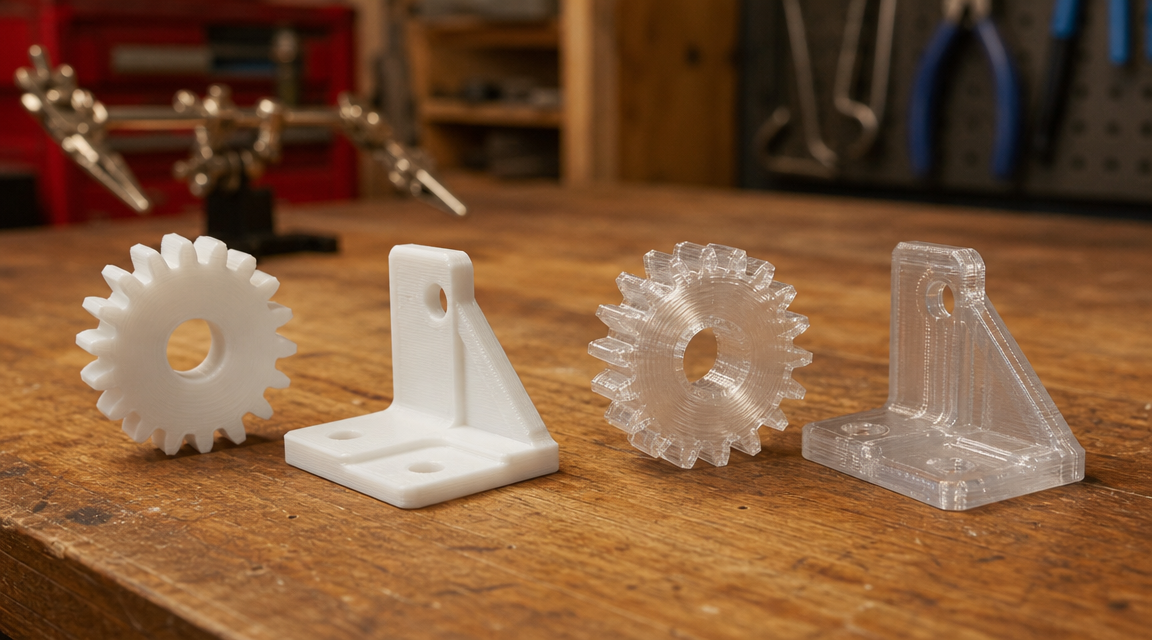

Quick Summary
- PLA prints at 200-210°C with no enclosure required, making it the easiest filament for beginners on any open-frame printer.
- PETG requires 230-245°C, slight bed adhesion adjustments, and careful retraction tuning to avoid stringing, but delivers significantly better layer adhesion under load.
- PETG has a tensile strength of around 50 MPa; PLA typically ranges from 37-65 MPa depending on brand, with most commodity PLA closer to 37-50 MPa.
- PLA is easier to sand and paint; PETG resists sanding but holds up to temperatures up to 80°C vs. PLA’s 60°C heat deflection point.
- For functional parts, enclosures, and outdoor use: choose PETG. For prototypes, display models, and beginner prints: choose PLA.
PLA vs PETG is the most common filament decision in FDM printing: PLA (Polylactic Acid) is a plant-based thermoplastic that prints at low temperatures with minimal warping, while PETG (Polyethylene Terephthalate Glycol) is a tougher, more heat-resistant material that requires slightly higher temperatures and more dialed-in retraction settings. The right choice depends on your print’s purpose, your printer setup, and how much post-processing you plan to do.
Table of Contents
PLA vs PETG: Key Differences at a Glance
Before diving into specific use cases, here’s a side-by-side view of the specs that actually matter on the bench:
| Property | PLA | PETG |
|---|---|---|
| Print temp (nozzle) | 190–220°C | 230–250°C |
| Bed temp | 25–60°C (optional) | 70–90°C (recommended) |
| Enclosure needed? | No | No (but helps with tall parts) |
| Tensile strength | 37–65 MPa | ~50 MPa |
| Heat deflection temp | ~60°C | ~80°C |
| Layer adhesion | Good | Excellent |
| Stringing tendency | Low | Medium–High |
| Sanding/painting | Easy | Difficult |
| Moisture sensitivity | Low | Medium |
| Price (typical 1 kg) | $15–$22 | $18–$28 |
Most makers start on PLA and move to PETG for specific applications. You rarely need to choose one forever: having both on the shelf is the practical approach once you’ve got your slicer settings dialed.
Printing Difficulty: PLA vs PETG
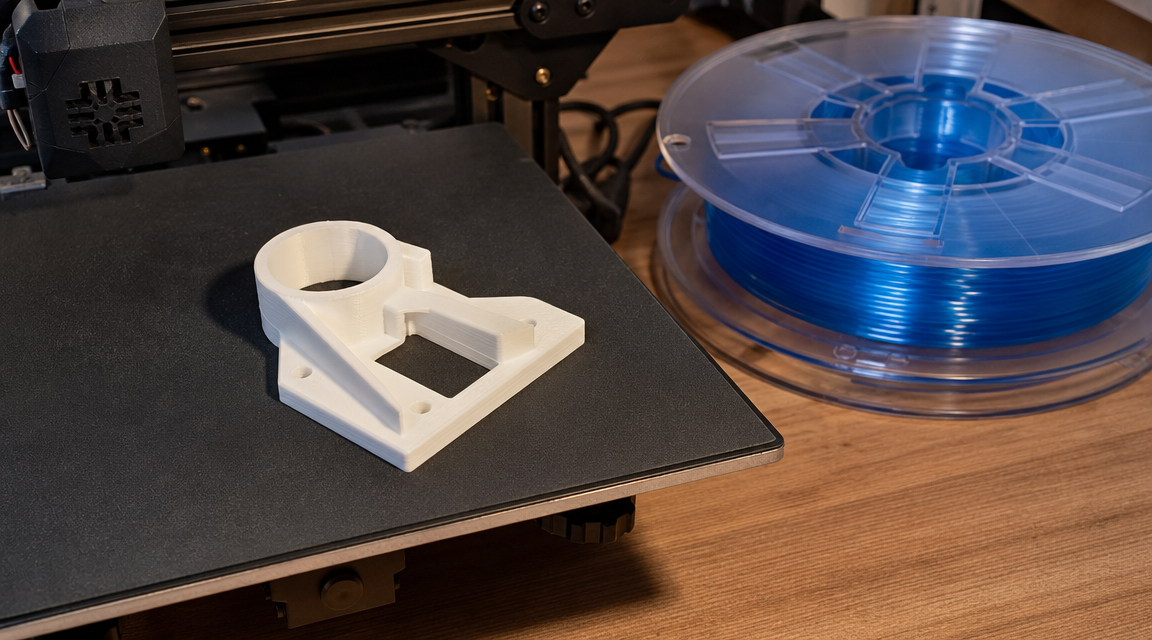
PLA is forgiving on almost every printer setting. It sticks to cold glass, textured PEI, and plain blue tape. First layer adhesion is rarely an issue. Stringing is minimal at standard retraction distances (4–6 mm on Bowden setups, 1–2 mm direct drive). You can run it at 50 mm/s on a budget printer with no surprises.
PETG is where settings start to matter. It needs a warm bed (70–85°C) and sticks very aggressively to bare glass, sometimes too aggressively, which can crack the build plate on removal. Textured PEI is the safe choice.
Bed Adhesion
PLA: textured PEI, cool glass with hairspray, or smooth PEI with a glue stick. Bed temp of 40–60°C works; some setups print PLA at room temperature with no issues on textured plates.
PETG: textured PEI at 70–85°C. Avoid bare glass unless you use a separator layer (hairspray, Magigoo, or glue stick) because PETG can bond so well it lifts the coating on PEI or cracks glass. Lower your Z-offset slightly compared to PLA, PETG likes a touch more squish on the first layer.
Stringing and Oozing
PETG strings more than PLA. The polymer flows at higher temps and stays molten longer. To reduce stringing: lower print temp to 230–235°C if your layer adhesion is still good, increase retraction to 5–7 mm (Bowden) or 1.5–3 mm (direct drive), and enable wiping / coasting in OrcaSlicer or Bambu Studio. A dry filament box makes a noticeable difference with PETG: moisture causes popping and extra stringing.
⚡ Quick setting reference for PETG on Bambu Lab A1: nozzle 240°C, bed 75°C, textured PEI, retraction 0.8 mm, print speed 100 mm/s with volumetric max 15 mm³/s. These are starting points, dial from here.
Strength and Durability: Which Filament Is Stronger?
The short answer: it depends on the type of stress. PLA can actually be stiffer than PETG in raw tensile tests, but PETG wins on toughness, meaning it absorbs more energy before failing rather than snapping brittle.
📊 Published data: According to All3DP’s filament comparison guide, PETG typically measures around 50 MPa tensile strength, while PLA ranges from 37 to 65 MPa depending on brand and formulation. High-quality PLA+ can beat PETG on stiffness, but PETG’s elongation at break (typically 3–4x higher than PLA) gives it much better impact resistance in real-world snap and drop scenarios.
Tensile Strength
Commodity PLA (the cheap 1 kg spools) tends to clock in at 37–50 MPa. Name-brand PLA+ (Polymaker, Bambu Lab, eSUN) can reach 55–65 MPa. PETG sits more consistently around 48–53 MPa across brands, making it a predictable baseline for functional parts.
Layer Adhesion
PETG has notably better layer adhesion than PLA. When you load a PLA part in the Z-axis (perpendicular to layers), the inter-layer bonds are the weak point. PETG’s higher print temp and slower cooling creates stronger fusion between layers. For brackets, hinges, and clips that see Z-axis loading, PETG is the clear choice.
Impact Resistance
PETG absorbs impacts better. PLA is more brittle and will crack cleanly under sudden force. PETG tends to deform first. If you’re printing phone stands, brackets that get bumped, or anything a kid will stress-test, PETG holds up better.
Post-Processing: Sanding, Painting, and Smoothing
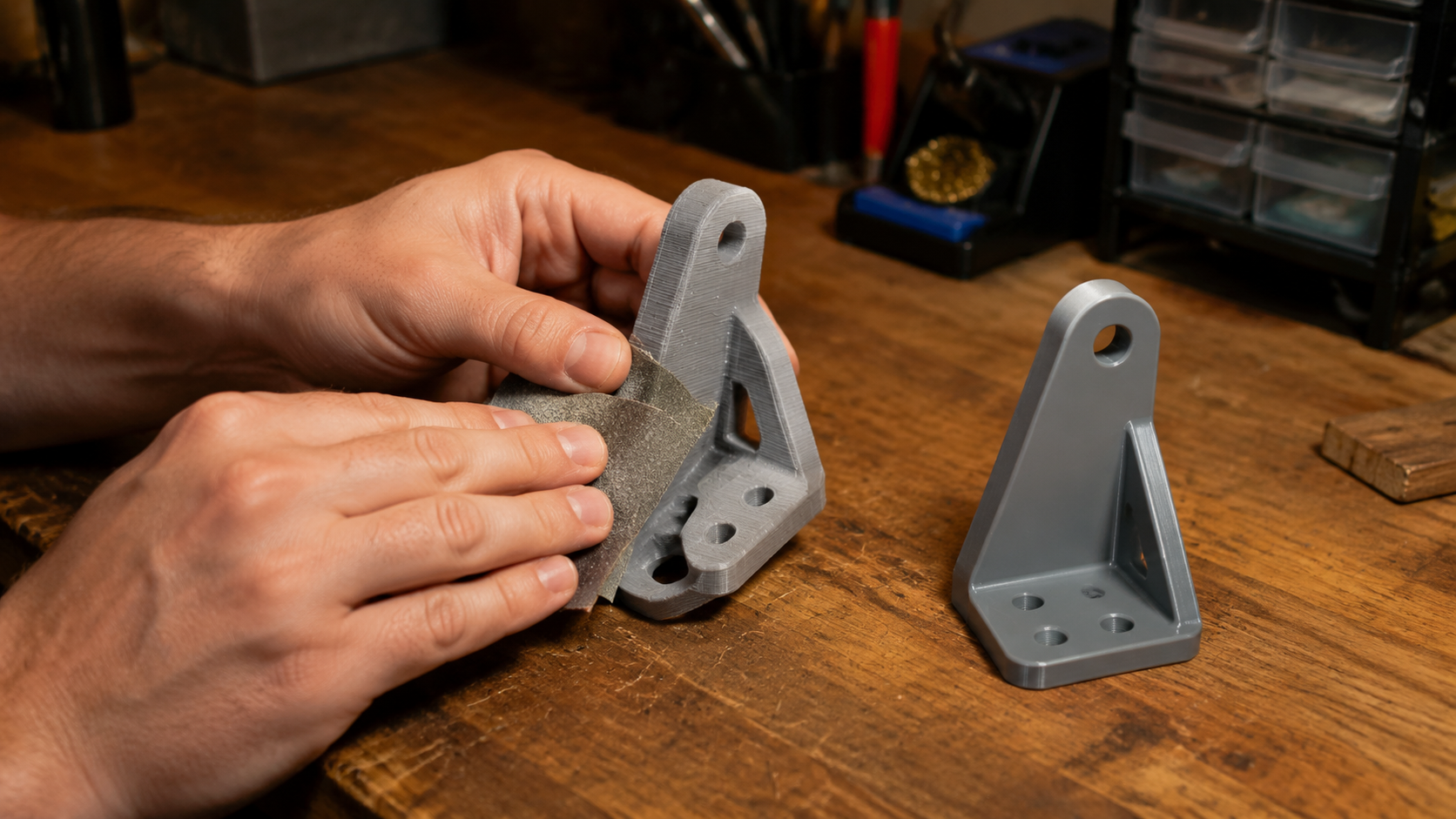
This is where PLA wins clearly. PLA sands easily with 220–400 grit sandpaper, takes primer without issue, and can be smoothed with acetone-free fillers. If you’re building display pieces, cosplay props, or models where final surface quality matters, PLA is the easier material to work with.
Sanding PLA vs PETG
PLA responds well to wet sanding. Start at 220 grit, work up to 600–1000, apply a coat of filler primer, sand again. You can get a near-smooth finish in an hour. PETG is more flexible and gummy under sandpaper, which clogs the abrasive and creates an uneven surface. It’s not impossible to sand, but the results are less predictable and it takes longer.
Painting and Finishing
Both PLA and PETG accept acrylic paints with a light primer base. PLA holds paint more consistently because the surface is more rigid and doesn’t flex under brush strokes. PETG can cause paint adhesion issues if the surface wasn’t scuffed properly first. For paint adhesion on PETG: use a self-etching primer or a flexible topcoat rated for plastics.
Find Print-Ready Files for Your Next Project
Whether you’re printing in PLA or PETG, DIY3D has thousands of free models with embedded print settings ready to go.
100% free. No account required to browse. 3MF files with embedded slicer settings.
When to Choose PLA
PLA is the right call for most prints where heat and mechanical stress are not factors. It’s fast to print, easy to dial in, and produces clean results on the first try more often than any other common filament.
Best Use Cases for PLA
- Prototyping and fit-checks: Fast iteration, low cost, good dimensional accuracy at 0.2 mm layer height.
- Display models, figurines, and miniatures: Excellent surface detail, easy to paint.
- Desk organizers, cable management, and household items that stay indoors and away from direct sunlight or heat sources.
- Gridfinity bins and modular storage: The print-in-place tolerance range (0.15–0.25 mm) works reliably in PLA.
- First printer projects: You’re still dialing in the machine. PLA’s forgiveness saves time.
PLA’s main limitation is temperature. Leave a PLA part in a car on a sunny day and it will deform. The heat deflection temperature of ~60°C means anything near a heater vent, a warm window, or outdoor use in summer is at risk.
When to Choose PETG
PETG is the go-to once you need real-world durability. It’s not as difficult to print as ABS or ASA, but it gives you enough extra toughness and heat resistance to cover 80% of functional use cases.
Best Use Cases for PETG
- Functional brackets and mounts: Better Z-axis layer adhesion and impact resistance compared to PLA.
- Enclosures and cases for electronics where heat from components is a factor.
- Camera mounts, bike accessories, and outdoor items that see temperature variation or UV exposure (note: PETG has some UV resistance but ASA is better for long-term outdoor use).
- Hinges, clips, and snap-fit parts: PETG’s flexibility before failure makes it more forgiving than PLA on repeated flex cycles.
- Food-adjacent items: PETG is generally considered safer for food contact than ABS. Confirm with your specific brand’s safety data sheet. Standard FDM layer lines still harbor bacteria regardless of material.
🧵 Where DIY3D fits: Many of the functional models on free 3D models on DIY3D include 3MF files with embedded print profiles specifying the recommended filament. When a model is tagged for PETG, those profiles include retraction and temperature settings tested by the uploader, so you’re not starting from scratch on settings.
Common Questions About PLA vs PETG
Is PETG better than PLA filament?
PETG is not universally better than PLA: it is stronger under impact and more heat-resistant, but harder to post-process and more prone to stringing. PLA is better for display models, prototypes, and any print where surface finish and ease of printing matter more than structural performance. PETG is better for functional parts, enclosures, and anything that will experience stress or elevated temperatures above 60°C.
Is PETG harder to sand than PLA?
Yes, PETG is significantly harder to sand than PLA. PETG’s semi-flexible nature causes it to deform under sandpaper rather than abrade cleanly, which clogs the abrasive and produces an uneven surface. PLA sands predictably with standard 220–400 grit paper and responds well to wet sanding and filler primer, making it the better choice when surface finish is a priority.
Can PETG print as smooth as PLA?
PETG can produce smooth prints straight off the bed when settings are dialed correctly, but the surface texture is slightly different: it has a subtle sheen compared to PLA’s more matte finish. Stringing and blobbing are more common with PETG and require tuning retraction and print temperature. PLA consistently produces cleaner first prints without the extra calibration effort PETG demands.
Which filament is more heat resistant: PLA or PETG?
PETG is more heat resistant than PLA. PETG has a heat deflection temperature of approximately 80°C, compared to PLA’s ~60°C. This means PETG can handle warm environments like car interiors on mild days, proximity to electronics, and outdoor summer temperatures without deforming, while PLA will soften and warp in the same conditions.
Is PETG food safe like PLA?
PETG is generally considered more suitable for food contact than ABS, and many PETG brands are produced without harmful additives. However, standard FDM layer lines create micro-gaps that trap bacteria regardless of material. For food-safe applications, you need a certified food-safe filament, a stainless or brass nozzle with no PTFE in the hot zone, and a smooth post-processing step to eliminate layer gaps. Neither PLA nor PETG is reliably food-safe straight off a consumer FDM printer.
Final Verdict: PLA vs PETG
The PLA vs PETG decision comes down to one question: will this part face heat, impact, or mechanical load? If yes, print in PETG. If no, print in PLA and save yourself the extra setup time.
Most makers keep both on the shelf. PLA for fast, clean, detail-friendly prints. PETG for brackets, outdoor items, enclosures, and anything that needs to survive a drop. You don’t have to pick a side permanently: match the material to the job, print the right settings file, and move on.
If you need models to print in either material, the free 3D models on DIY3D include community-uploaded designs with 3MF files that embed filament type recommendations alongside full slicer settings, so the material decision is already made for you.
Ready to Print? Start With Free Models
Browse thousands of PLA and PETG-ready models, complete with embedded slicer settings from real makers.
Browse Community Designs on DIY3D
Open model library. No paywall. Printer-agnostic. Upload your own designs too.
