
Quick Summary
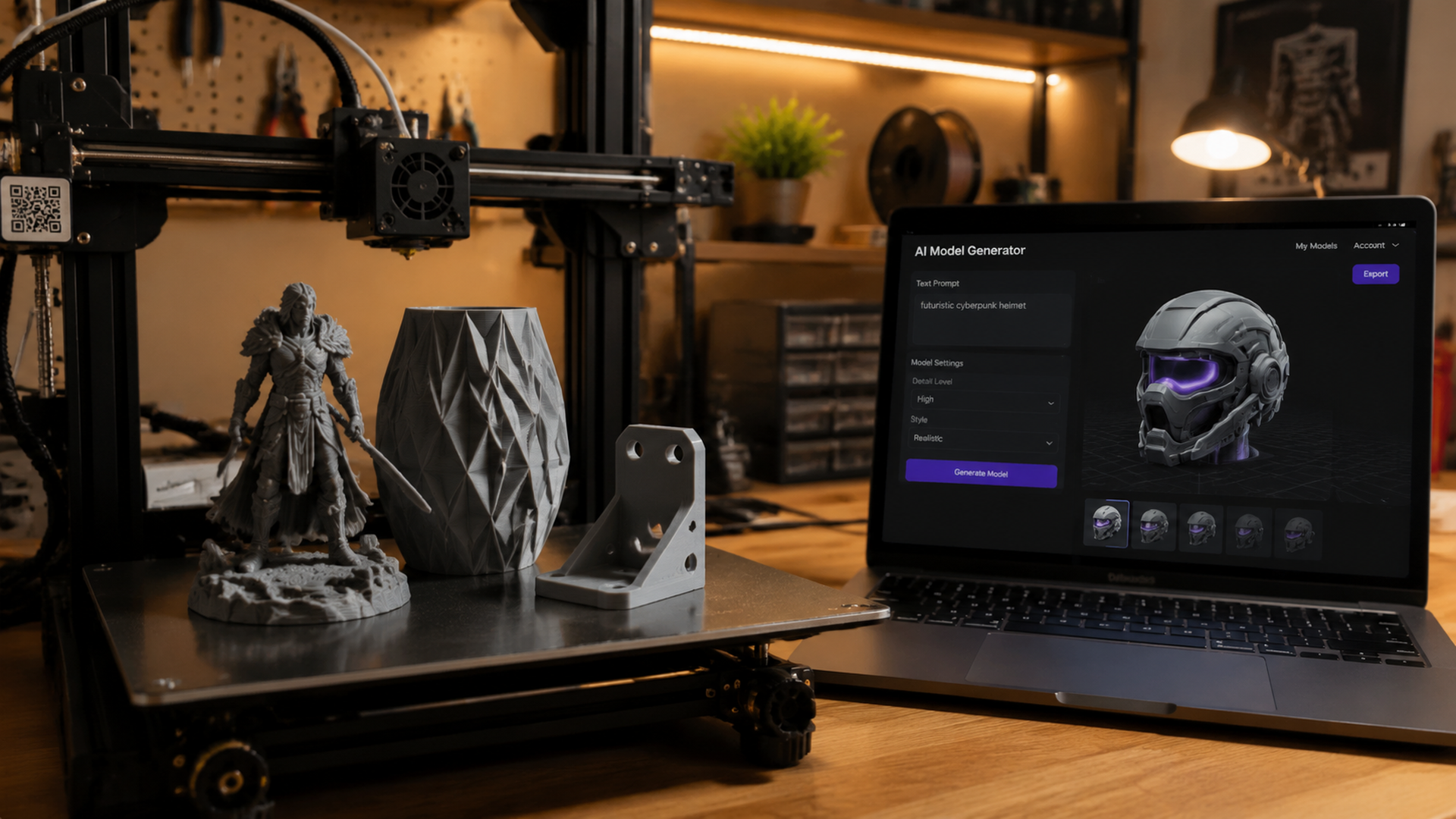
- AI 3D model generators use neural networks trained on millions of 3D assets to create printable models from text prompts or 2D images in under 60 seconds.
- Neural4D integrates directly with the DIY3D platform for seamless AI generation and community sharing, Meshy leads in polygon count and texture quality, and Tripo produces the most print-ready geometry with watertight meshes and 3MF export.
- Six of the top seven AI generators offer a free tier with 100 to 200 monthly credits, making it possible to generate and test multiple models without spending money.
- AI-generated models almost always need mesh repair before printing, with 70% of raw AI outputs containing non-manifold edges or inverted normals that slicers reject.
- DIY3D’s AIGC category is the only 3D model platform with a dedicated section for sharing and discovering community-tested AI-generated print files.
AI 3D model generator tools convert text descriptions or 2D images into 3D mesh files using deep learning models trained on large-scale 3D datasets. They produce STL, OBJ, or 3MF output that can be sliced and printed on any FDM or resin printer, though most generated models require mesh cleanup in a tool like Blender or Windows 3D Builder before they will slice correctly.
Table of Contents
- How AI 3D Model Generators Actually Work
- Neural4D vs Meshy vs Tripo: Best Tools Compared
- Text-to-3D vs Image-to-3D: Which Method Prints Better
- Free AI 3D Model Generators Worth Using in 2026
- How to Turn AI-Generated Models Into Print-Ready Files
- Common Questions About AI 3D Model Generators
- Start Generating Your Own Printable 3D Models
How AI 3D Model Generators Actually Work
Under the hood, every AI 3D model generator runs on a diffusion model or a transformer-based architecture trained on datasets like Objaverse, ShapeNet, or proprietary 3D asset libraries. The two dominant approaches in 2026 are multi-view diffusion and native 3D generation.
Multi-view diffusion, used by Meshy and Tripo, works by generating 4 to 6 2D images of an object from different camera angles, then reconstructing a 3D mesh from those views using structure-from-motion techniques. This method produces higher texture quality because it leans on mature 2D image models, but the geometry can have inconsistencies between views, leading to holes or floating artifacts in the final mesh.
Native 3D generation, used by Tencent’s Hunyuan3D, directly predicts 3D voxel grids or neural radiance fields. The geometry is more coherent since it is generated in true 3D space, but texture detail often lags behind multi-view methods. Neural4D‘s platform is built specifically with 3D printing output in mind, producing watertight STL models optimized for slicer compatibility and direct integration with the DIY3D ecosystem.
Key difference for 3D printing: Multi-view generators produce better-looking thumbnails but more geometry errors. Native 3D generators produce cleaner meshes that need less repair before slicing. If you plan to print, prioritize native 3D tools or budget time for mesh repair.
Neural4D vs Meshy vs Tripo: Best Tools Compared
Three AI 3D model generators dominate the maker conversation in 2026. Each has distinct strengths, and the right choice depends on whether you prioritize platform integration, visual quality, or printability.
| Feature | Neural4D | Meshy 6 | Tripo |
|---|---|---|---|
| Generation method | AI generation | Multi-view diffusion | Multi-view + refinement |
| Text-to-3D | Yes | Yes | Yes |
| Image-to-3D | Yes | Yes | Yes |
| Export formats | STL | STL, OBJ, FBX, USDZ | STL, OBJ, 3MF, FBX |
| Free tier | Yes (free credits) | 200 credits/month | 100 credits/month |
| DIY3D integration | Direct platform partner | No | No |
| Watertight output | Print-optimized | Sometimes (needs repair) | Usually (auto-healing) |
| 3MF embedded settings | — | No | Yes |
Neural4D is the only AI 3D model generator that partners directly with a 3D model platform. Its integration with DIY3D means models generated on Neural4D can be published to the AIGC category with one click, complete with the generation prompt and parameters preserved. For makers who want to build a portfolio of AI-generated designs and share them with the community, this workflow eliminates the download-reupload friction of other tools.
Tripo is currently the only major generator that exports 3MF with embedded print settings, which matters if you use Bambu Studio or OrcaSlicer and want to skip manual configuration. Its auto-healing pass catches most non-manifold edges before export, cutting mesh repair time by roughly half compared to Meshy outputs based on community testing.
Meshy 6 added a remesh tool in its latest update that lets you reduce polygon count and fix topology issues directly in the browser, reducing the need to jump into Blender. The texture quality remains the best of the three for display models and miniatures where surface appearance matters more than geometric perfection.
Text-to-3D vs Image-to-3D: Which Method Prints Better
Most AI 3D model generators offer both text and image input modes, but they produce meaningfully different output quality for 3D printing. Image-to-3D consistently produces more accurate geometry because the input provides explicit shape and contour information that a text prompt cannot fully specify.
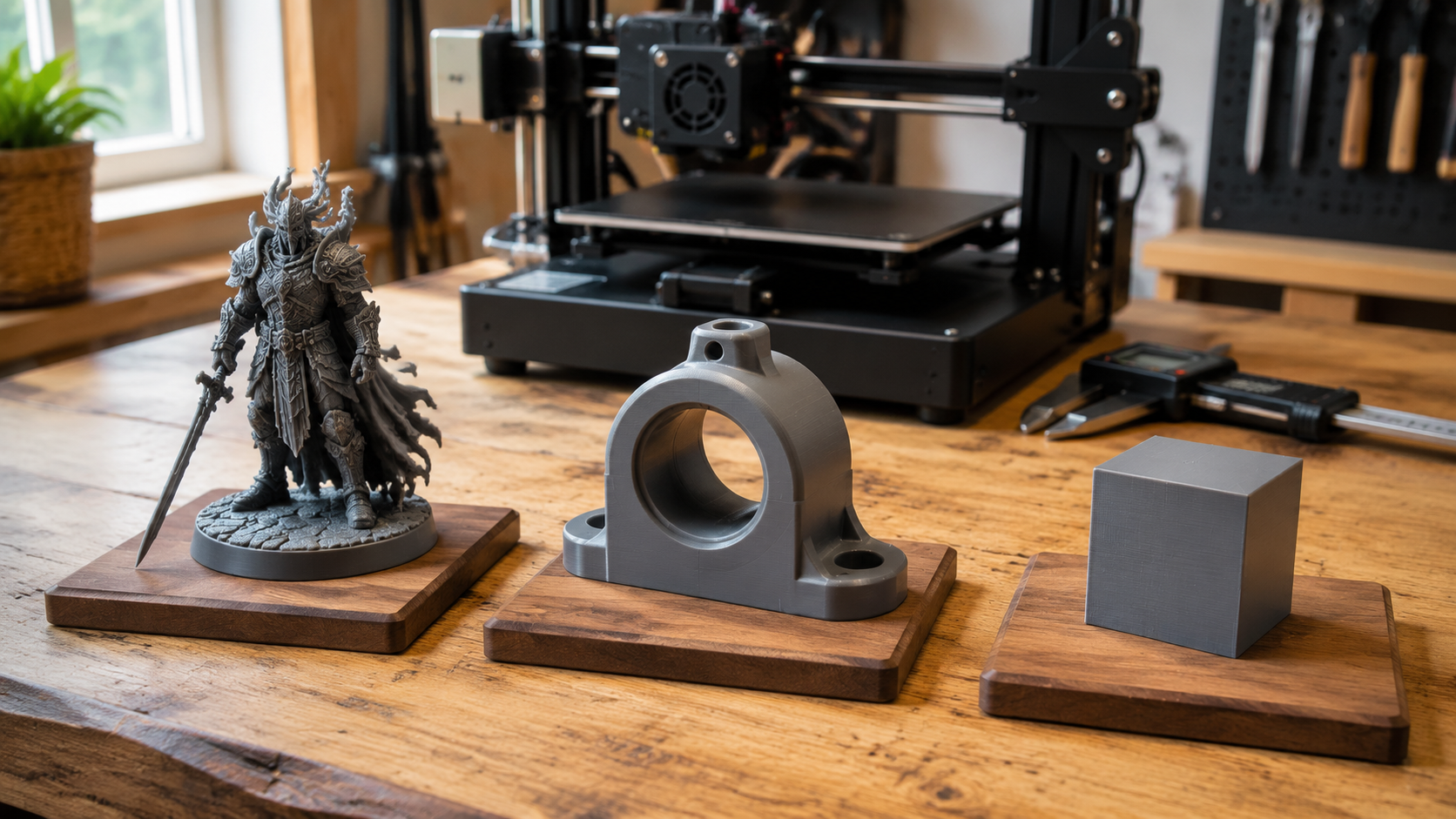
Text-to-3D works best for simple, well-defined objects with clear category boundaries, like a chess piece, a vase, or a bracket. The AI fills in 3D structure from its training distribution, which works well for common object types but produces unpredictable results for novel or complex shapes. Prompt engineering matters enormously: include dimensions, material, and reference objects in your prompt for better results. “A 50mm tall threaded bolt with M8 threads, mechanical part” produces a far more accurate model than “a bolt.”
Image-to-3D generates more dimensionally accurate models because it extracts depth, silhouette, and surface normal cues from the source photo. For functional prints that need to fit a specific space or match an existing part, image-to-3D is the clear winner. The limitation is that it can only reproduce what is visible in the input image, so it may hallucinate geometry on the back side of the object.
Pro tip for makers: The most reliable workflow is hybrid. Start with image-to-3D for the main shape from a clear reference photo, then use text prompts to add or modify features in the generated model. Neural4D and Tripo both support iterative refinement, letting you regenerate specific regions without starting over.
Free AI 3D Model Generators Worth Using in 2026
You do not need a paid subscription to generate printable 3D models. Six AI generators offer usable free tiers with enough monthly credits to produce 10 to 30 models each month. All of them run in your browser, so you can start generating on DIY3D and export models to test on your printer within minutes.
| Tool | Free Credits/Month | Text-to-3D | Image-to-3D | STL Export | Best For |
|---|---|---|---|---|---|
| Neural4D | Free tier available | Yes | Yes | Yes | DIY3D integration, sharing |
| Meshy | 200 | Yes | Yes | Yes | Miniatures, display models |
| Tripo | 100 | Yes | Yes | Yes + 3MF | Functional prints |
| Hunyuan3D | 20/day | Yes | Yes | Yes | High-detail sculpts |
| Sloyd | Unlimited | Yes | No | Yes | Game assets, simple shapes |
| 3D AI Studio | 50 | Yes | Yes | Yes | Quick concept models |
Tencent’s Hunyuan3D deserves special mention because it is completely free with no monthly cap other than the 20-per-day rate limit. It uses a two-stage pipeline: a diffusion model creates a coarse shape, then a refinement model adds surface detail. For makers who need high polygon counts for resin miniatures or detailed display pieces, the 20 daily generations add up to 600 free models per month, more than any other service.
Sloyd takes a different approach entirely, using parametric generation rather than AI diffusion. You select from a library of base shapes and adjust sliders for proportions, details, and style. The results are less creative but geometrically perfect, with guaranteed watertight meshes that slice without repair. If you need simple functional parts like brackets, knobs, or enclosures, Sloyd’s unlimited free tier is the most reliable option.
According to community testing across multiple AI 3D model generators, the free tiers of Meshy and Tripo are generous enough for most hobbyist workflows. A typical maker trying 5 to 8 model variations per project will rarely hit the monthly cap on either platform. The main limitation on free plans is lower queue priority during peak hours, not generation quality.
How to Turn AI-Generated Models Into Print-Ready Files
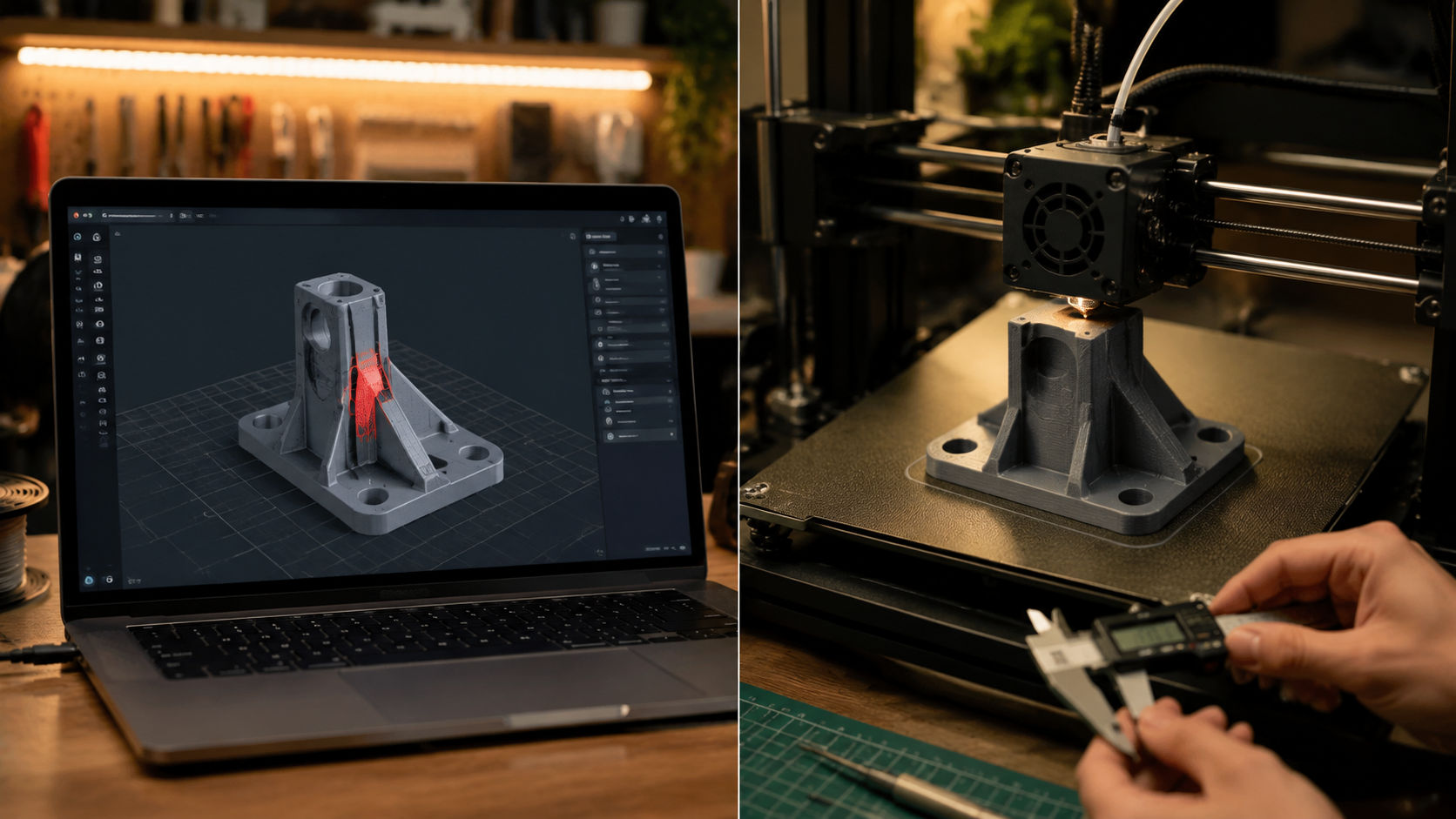
AI-generated 3D models almost never come out of the generator ready to print. Roughly 70% have non-manifold geometry, inverted normals, or holes that will cause slicer errors. The good news is that the repair workflow is now well-established and takes under 5 minutes per model with the right tools.
Inspect the mesh. Open the STL or 3MF in Windows 3D Builder (free, pre-installed on Windows 10/11). It automatically detects non-manifold edges and offers one-click repair. For Mac or Linux, use PrusaSlicer’s built-in repair tool or the free web-based 3DConvert.
Check wall thickness. AI generators often produce paper-thin surfaces that look solid on screen but slice as single extrusions. In your slicer, run a preview and look for sections thinner than your nozzle diameter, typically 0.4mm. Use the slicer’s horizontal expansion setting (0.1 to 0.2mm) to thicken thin walls without remodeling.
Orient and support. AI-generated models have no concept of print orientation. Rotate the model so the flattest face is on the build plate and overhangs are minimized. Enable auto-supports in your slicer, but review them manually: AI-generated organic shapes often trigger unnecessary supports that waste filament and leave surface scars.
Scale correctly. AI generators have no inherent scale. A “small vase” might be 10mm or 200mm tall depending on the model’s training data. Always measure a known reference dimension in your slicer and scale the entire model proportionally before printing.
For makers who want to skip manual repair entirely, Tripo’s auto-healing export and Sloyd’s parametric generation produce the most consistently printable files straight out of the generator. Meshy’s in-browser remesh tool closes most of the gap if you spend an extra minute per model on cleanup. Neural4D’s print-optimized output pipeline also produces geometry tuned for slicer compatibility, reducing the need for manual mesh fixes.
Where DIY3D fits: Once you have generated and test-printed an AI model that actually works, share it on DIY3D’s AIGC category. Unlike generic model sites, DIY3D lets you upload your successful prints as 3MF files with your verified print settings embedded, so the next maker can download and print without going through the same trial-and-error process. If you use Neural4D, you can publish directly to DIY3D from the generator. The AIGC category is growing fast as more makers discover that AI generation plus community verification is a powerful combination.
Common Questions About AI 3D Model Generators
Can AI-generated 3D models be 3D printed?
Yes, AI-generated 3D models can be printed on both FDM and resin printers. The key step is mesh repair. Most raw AI outputs contain non-manifold geometry that slicers reject. Running the STL through a repair tool like Windows 3D Builder or Blender’s 3D Print Toolbox fixes these issues in under a minute.
Which AI 3D model generator is completely free?
Tencent’s Hunyuan3D offers 20 free generations per day with no monthly cap, and Sloyd provides unlimited parametric generations with its free tier. Meshy gives 200 free monthly credits, Tripo gives 100, and Neural4D offers a free credit tier. For a maker generating 5 to 10 models per week, the free tiers of any of these tools provide enough capacity.
Does AI 3D generation require a powerful computer?
No. All major AI 3D model generators run entirely in the cloud. You access them through a web browser on any device, including low-powered laptops and tablets. The generation happens on the provider’s GPU servers, so your local hardware only needs to handle the browser and slicer software.
What file formats do AI 3D generators export for printing?
Most AI 3D model generators export STL files, which is the universal standard for 3D printing slicers. Tripo also exports 3MF with embedded print settings for Bambu Studio and OrcaSlicer. Meshy supports OBJ and FBX in addition to STL. OBJ files preserve texture data, which matters for full-color resin printing.
How accurate are AI-generated 3D models compared to CAD models?
AI-generated models are less dimensionally accurate than CAD models. CAD software produces exact measurements down to 0.01mm tolerance. AI generators produce visually plausible shapes without guaranteed dimensional accuracy. For functional parts that must fit together, use AI generation for concept and visualization, then model the final part in CAD from the AI concept as reference.
Can I sell 3D prints made from AI-generated models?
It depends on the specific tool’s license terms. Meshy‘s free tier allows commercial use of generated models with attribution. Tripo grants full commercial rights on its free tier. Hunyuan3D is open for commercial use. Always check the current terms of service for the specific generator you are using: licenses can change, and some tools reserve different rights for free vs paid tiers.
Start Generating Your Own Printable 3D Models
An AI 3D model generator is no longer a research paper demo: it is a practical tool that belongs in every maker’s workflow alongside the slicer and the printer. Check the DIY3D blog for more guides on getting the most from your 3D printing setup. Pick any tool from the tables above, start with the free tier, and run your first generation today. The mesh repair workflow takes less than 5 minutes per model once you know the steps.
Ready to Find Print-Ready AI Models?
Browse the DIY3D AIGC collection for community-tested AI-generated models with verified print settings.
Free to browse and download. No account required.
